Daystreak
Your days, adding up.
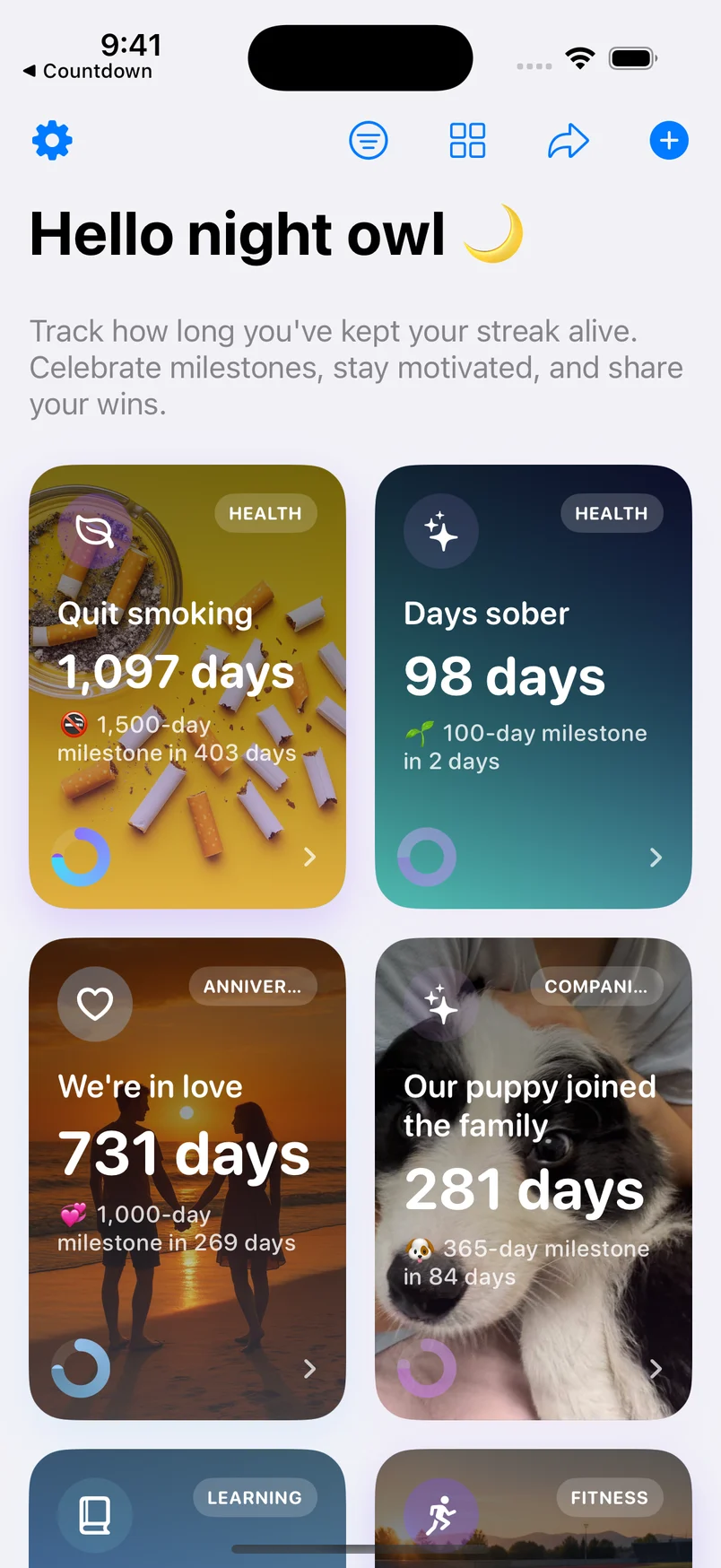
Count up from a past date. A simple way to keep your milestones, fresh starts, and favorite memories close.
Explore DaystreakDAYS SINCE

A LIFE IN MOMENTS
Remember how far you’ve come. Make room for what’s next.
Find your appExplore real-life examplesYour days, adding up.
Count up from a past date. A simple way to keep your milestones, fresh starts, and favorite memories close.
Explore DaystreakDAYS SINCE
Your next moment, getting closer.
Count down to a future date. Keep the excitement alive, with your next birthday, trip, or big day in view.
Explore CountdownDAYS UNTIL

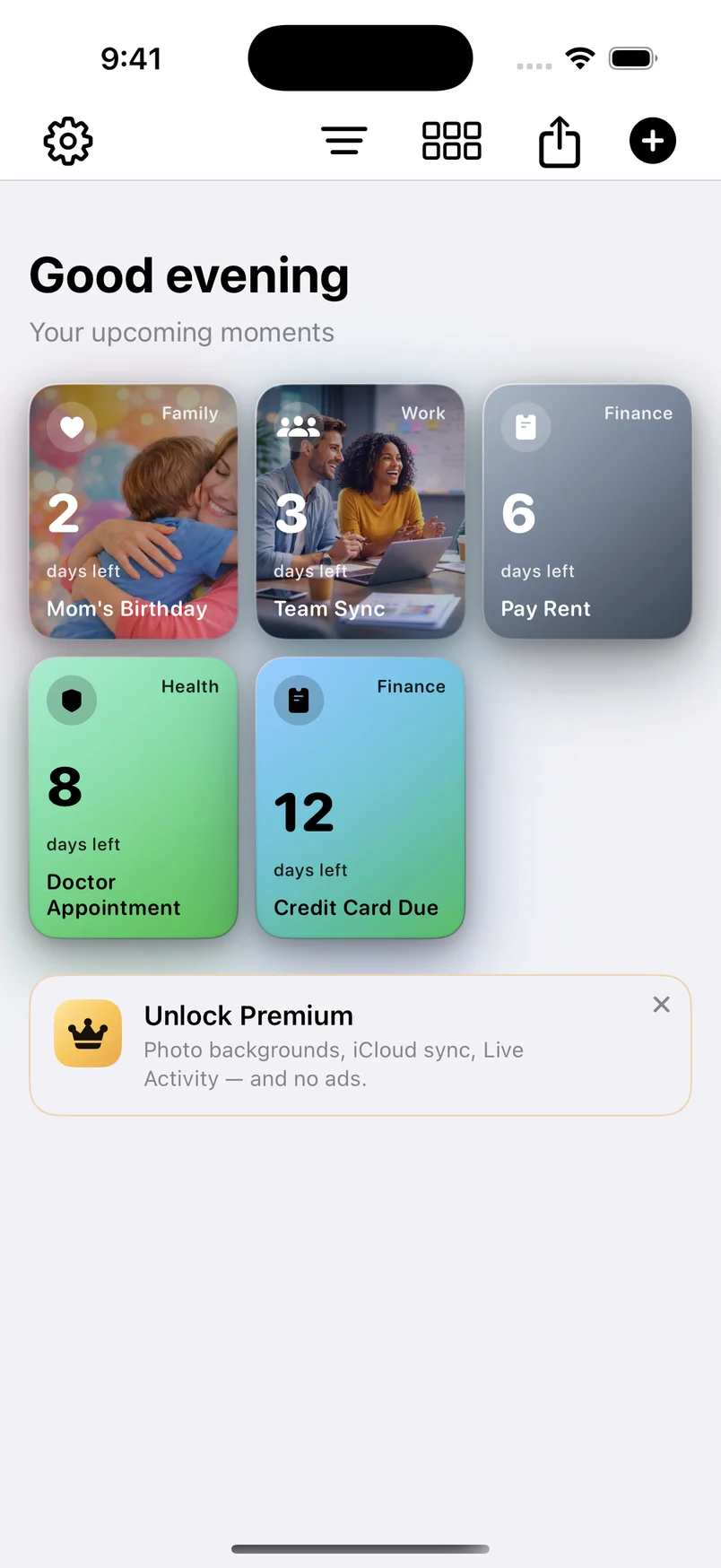
Real app screens with example events. Some shown features require Premium.
YOUR LIFE. YOUR REASONS.
Big milestones or small joys. Find an idea that feels like you, and make it your own.
DAYSTREAK & COUNTDOWN
Glance at a widget. Add a reminder. Share a moment. Small details that help meaningful dates fit into everyday life.
Keep a favorite counter on your Home Screen.
Set reminders around the dates that matter.
Create a shareable card for your milestone or countdown.
Use Daystreak to count days since a past date, such as an anniversary or a fresh start. Use Countdown to count days until a future date, such as a trip or birthday.
Yes. Daystreak and Daystreak Countdown are available on the App Store and Google Play. Some features differ by platform.
Both apps are free to download and offer optional in-app purchases. Check your local store listing for current prices and available plans.
Get the apps
Two apps. One simple place to begin.