A simple way to picture it
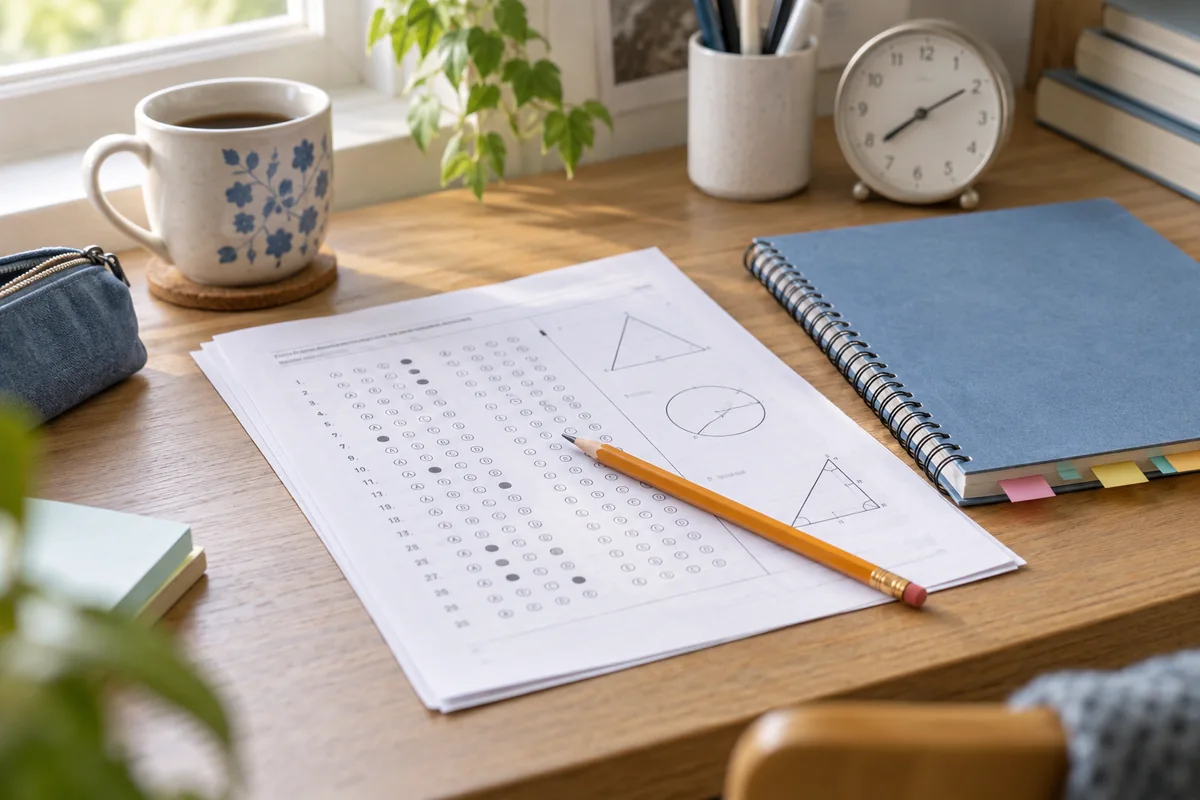
“Final exam” is the fixed date. “Finish the first review” and “Practice paper” are separate checkpoints before it.
Set it up, step by step
- Copy the confirmed exam date from the official timetable. Add the exact start time only when you have verified it.
- Create an event in Countdown using the subject or paper name. Separate exams deserve separate events, especially if they are close together.
- Add a few preparation dates that fit your actual study plan. Avoid filling the app with vague daily targets that would work better in a task list.
- Keep the next exam visible with a widget. Review your official timetable again before exam day, including location and any changes.
Make it work for your everyday
The number of days remaining is not a measure of readiness. Use practice and revision records to decide what needs attention.
A quiet Home Screen widget may help some people focus; if seeing the countdown all day increases pressure, keep it inside the app instead.
When the exam is over, archive the event or let it become a past date. A new course or semester can have its own fresh counter.
A couple of useful answers
Does the app make a study schedule for me?
No. Countdown tracks dates and reminders. Use your own revision plan alongside it.
Can I track several exams?
Yes. Use one event per paper and clear titles so you can distinguish subjects and sessions.
Try your date before you begin
Use the date calculator to see the days between two dates, then keep that moment in the app.
Open the date calculatorLifestyle images are editorial illustrations. App screens are real simulator captures using sample events. Custom photo backgrounds and some advanced features require Premium; availability varies by platform.