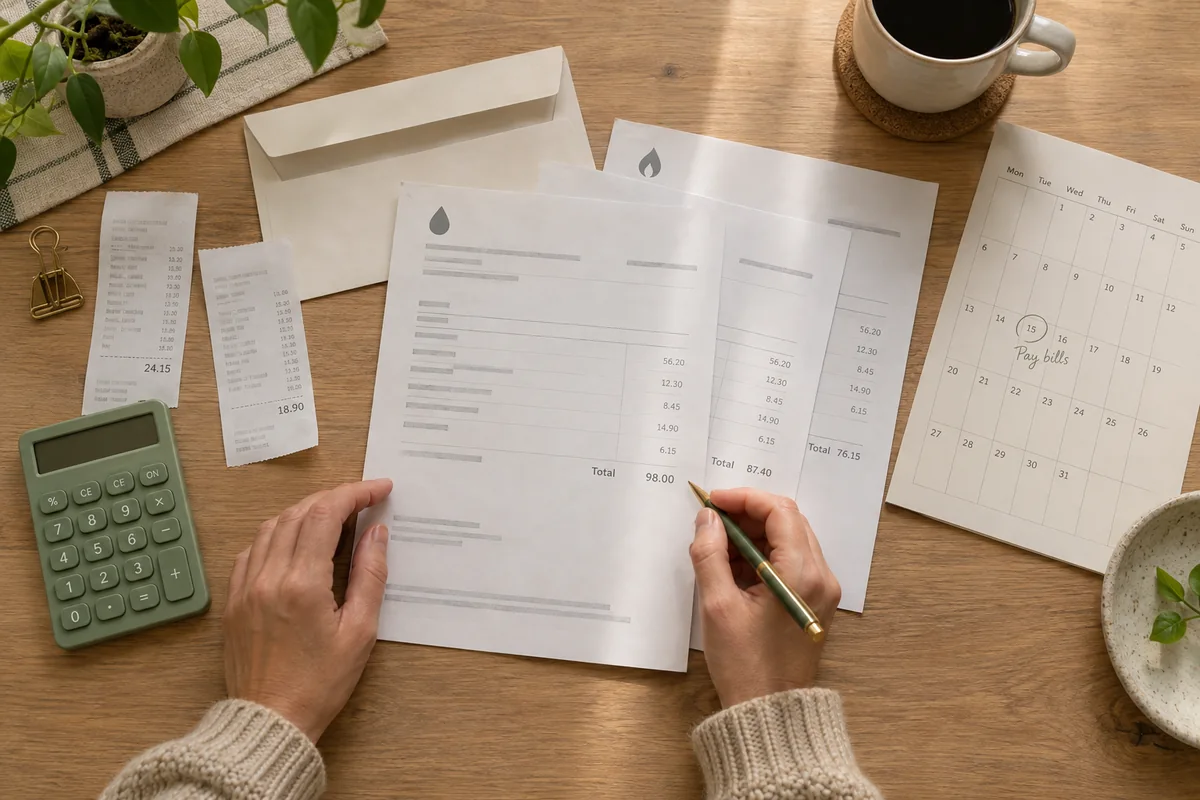
A simple way to picture it
“Rent due” repeats monthly. “Annual membership renewal” repeats yearly. A reminder can arrive early enough to review the bill.
Set it up, step by step
- Check the provider’s current due date. Create one event per recurring obligation with a name you will recognize quickly.
- Choose the appropriate monthly or yearly repeat. Check the next occurrence, particularly for dates near the end of a month.
- Add a reminder early enough to review the statement or prepare a payment. Enable the notifications you want in the app and device settings.
- After a payment or renewal, compare the next displayed occurrence with the provider’s next statement. Update the event if the schedule changes.
Make it work for your everyday
A reminder does not pay a bill or cancel a subscription. Complete those actions with the provider and keep its confirmation.
Months have different lengths. For a due date on the 29th, 30th or 31st, verify the next occurrence after setting a repeat.
Avoid putting account numbers or other sensitive details in a visible event title or share card. A simple label is usually enough.
A couple of useful answers
Will Countdown automatically pay or cancel anything?
No. It tracks dates and sends the reminders you configure. Payments and cancellations happen with the provider.
Can a renewal repeat every year?
Yes. Use a yearly repeat and verify the displayed next date.
Try your date before you begin
Use the date calculator to see the days between two dates, then keep that moment in the app.
Open the date calculatorLifestyle images are editorial illustrations. App screens are real simulator captures using sample events. Custom photo backgrounds and some advanced features require Premium; availability varies by platform.